


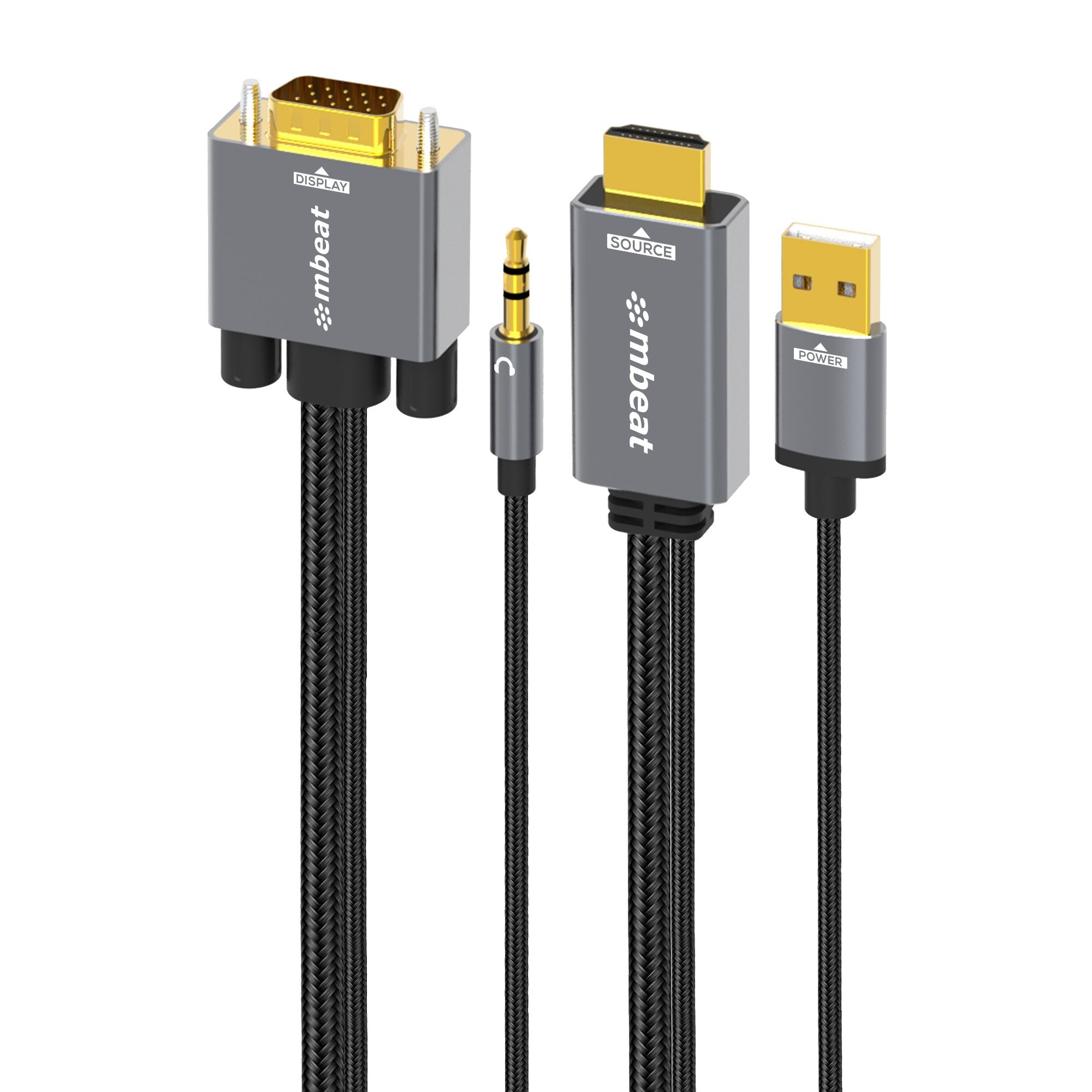
(LS) mbeat® Tough Link 1.8m HDMI to VGA Cable with USB Power & 3.5mm Audio Up to 1080p@60Hz (1920×1080) HDMI (Male)×1; USB-A (Connect to Power)×1
$31.81
18 in stock
- QLDOut of stock
- NSW1 in stock
- VIC11 in stock
- WAOut of stock
- SAOut of stock
Need bulk quantities? Contact us for corporate & education orders.
mbeat Tough Link 1.8m HDMI to VGA Cable with USB Power & 3.5mm Audio
Features:
Versatile Connectivity
The mbeat Tough Link HDMI to VGA cable lets you effortlessly connect your PC and Mac, equipped with HDMI ports, to a monitor, projector, or HDTV with legacy VGA ports, offering stunning 1080p/60Hz HD display.
Seamless Signal Conversion
Experience smooth signal conversion as this cable efficiently transforms HDMI’s digital signal to VGA’s analogue signal, ensuring compatibility and reliable performance.
Enhanced Audio Experience
The integrated 3.5mm audio cable delivers stereo audio support, allowing you to connect speakers and enjoy crystal-clear sound alongside your visuals.
Convenient Power Support
The USB power port accommodates low-power HDMI devices, such as PS4, MacBook, Mac mini, and Apple TV, ensuring smooth operations and effectively reducing power-related concerns.
Premium Build Quality
With its aluminium case, gold-plated connectors, and durable nylon braided cable, the mbeat Tough Link cable exudes premium quality and durability, ensuring your connections remain strong and reliable for extended use.
Specifications:
Host Interface: HDMI (Male)×1; USB-A (Connect to Power)×1
Output Interface: VGA (Male)×1; 3.5mm Audio (Male)×1
VGA Resolution: Up to 1080p@60Hz (1920×1080), including 720p, 1600×1200, 1280×1024
IC: CS5213
Cable Length: 1.8m
Compatible Devices: Compatible with Computers, laptops, and digital devices with HDMI source built-in; monitors, projectors, game consoles and HDTVs with VGA interface. Product is not compatible with Blue-ray Player.
Product Limitations: This cable is designed for one-way use only, does not support VGA to HDMI conversion.
How to Connect:
Connect the USB cable to an external power supply, such as a USB 3.0 slot on your computer, TV, or an Android USB A phone charger.
Attach the HDMI cable to the HDMI device.
Connect the Video cable to the VGA display.
Product Dimension: 186cm×3.1cm×1.3cm
CBMB-MB-XCB-HDVGAUX1
No additional information available for this product.
Product information is sourced directly from suppliers and manufacturers; while we strive for accuracy, descriptions may occasionally contain errors. Ezy P.C. Sales and AusOffice Supplies are not responsible for typographical or photographic inaccuracies, and product images are for illustrative purposes only.
It is the customer's sole responsibility to ensure that the item, hardware component (i.e. Memory, Motherboard, CPU, GPU etc.), or consumable (such as ink and toner cartridges) purchased is fully compatible with their existing equipment, parts, or systems prior to finalising the purchase. We cannot guarantee compatibility with third-party products. In accordance with Australian Consumer Law, returns or refunds are not required to be provided for compatibility errors, incorrect selection, or change of mind once an order is processed.
All prices are in Australian Dollars (AUD), include GST, and are subject to change without notice. We recommend verifying specific details with our team prior to purchase. All sales are subject to our Terms & Conditions and Returns Policy. Delivery charges apply unless otherwise specified. As stocks are limited, we reserve the right to restrict commercial quantities. No further discounts apply to promotional items. These terms do not exclude or limit your rights under the Australian Consumer Law.
Related products
-
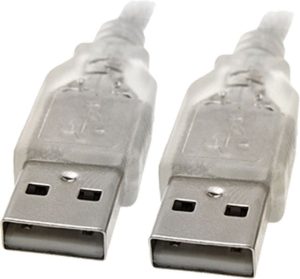
8Ware 3m USB 2.0 Cable – Type A to Type A Male to Male High Speed Data Transfer for Printer Scanner Cameras Webcam Keyboard Mouse Joystick
$10.95 -
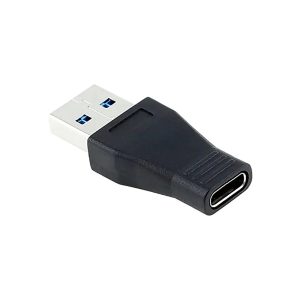
USB 3.0 (Male) to USB Type C (Female) Adapter
$11.90 -
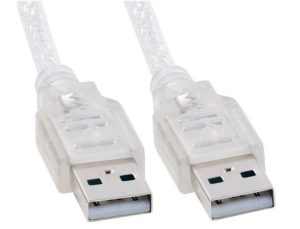
Astrotek 2m USB 2.0 Cable – Type A Male to Type A Male Transparent RoHS
$7.27 -
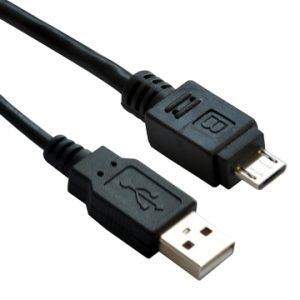
Astrotek USB 2.0 A to Micro-B Cable 3m – Black
$7.50

































Reviews
There are no reviews yet.