


Storm Season Is Here: How to Protect Your Computer and NBN From Surges and Blackouts
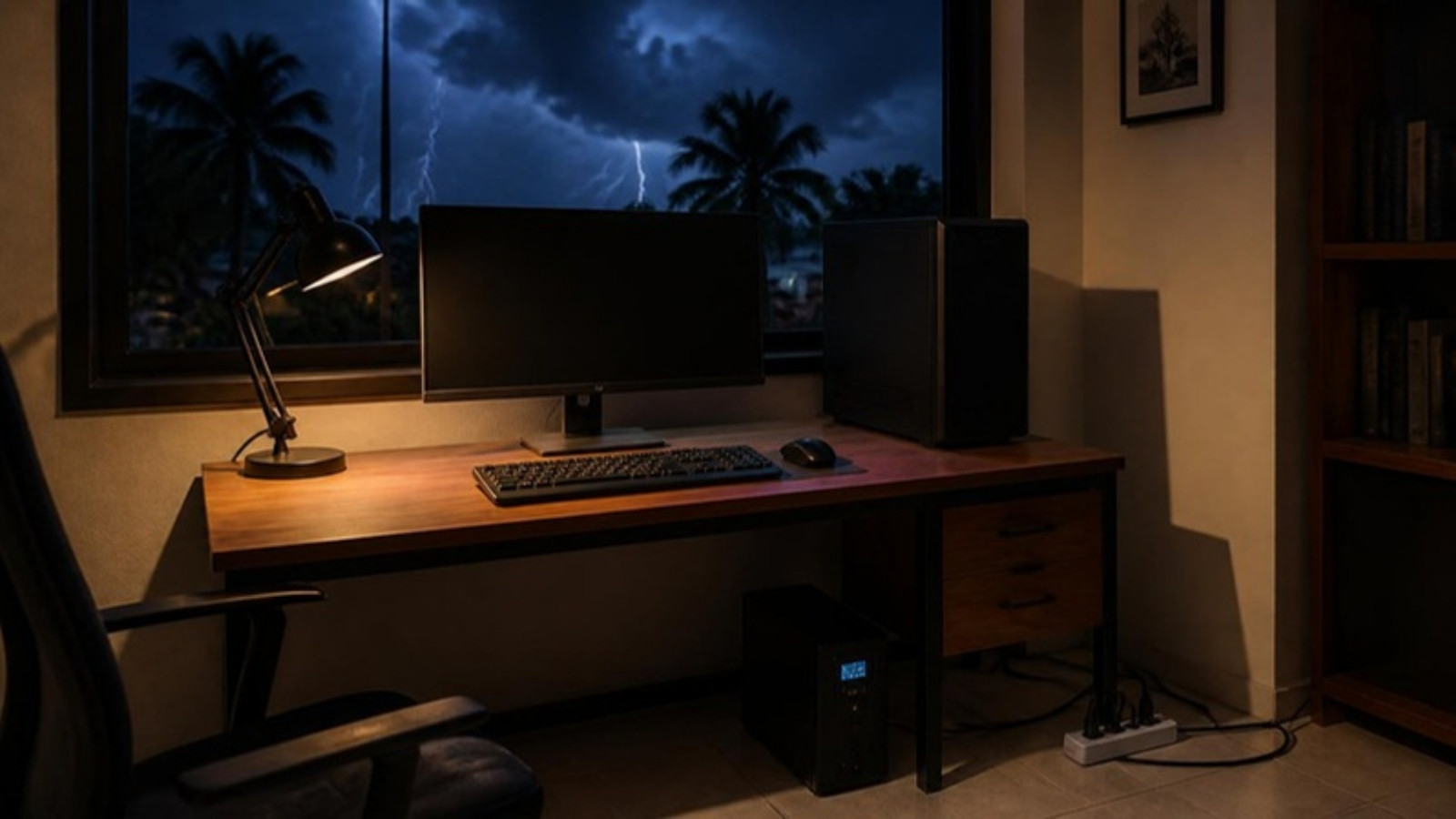
Queensland’s severe weather season is under way. On 14 October the Bureau of Meteorology urged Queenslanders to get ready for a season that runs from October to April, when storms, cyclones and floods are most likely. The east coast, including southern Queensland, has the highest risk of severe thunderstorms from October to December, and the official tropical cyclone season starts on 1 November.
Storms don’t just bring down trees. According to Energex, lightning is the most common cause of power surges and spikes, though switching appliances on and off and accidents on the network can cause them too. A surge can damage a computer, modem or TV in a split second. Blackouts are a problem too: an unexpected shutdown can corrupt files, cut you off mid-meeting or knock out your NBN.
The good news is that reducing the risk costs far less than replacing your gear. In this guide we explain the difference between a surge protector, a UPS and a portable power station, which one you need, and show real options from our power protection range, with Australian pricing.
Surges, Spikes and Blackouts: What Actually Goes Wrong
- Surges and spikes are sudden jumps in voltage. Lightning is the big one, but switching on large appliances and faults on the network can cause them too. Computers, printers, TVs and communication gear are the most often damaged.
- Brownouts are dips in voltage. Your lights flicker, and a PC may freeze or restart.
- Blackouts are a complete loss of power. Anything that isn’t saved is lost, and a sudden power cut during a Windows update or file copy can cause bigger problems.
Each problem has a different fix, so it’s worth knowing what each product actually does.
Option 1: Surge Protectors
A surge protector looks like a normal powerboard, but it has built-in components designed to absorb voltage spikes before they reach your devices. Plug it straight into a properly earthed wall power point.
- Pros: cheap, no setup, helps protect what’s plugged into it from surges coming through the power point, and many include USB charging ports.
- Cons: no battery, so when the power goes out, everything plugged into it turns off. It also can’t stop a direct lightning strike, or a surge that comes in through the phone line, TV aerial or network cable.
Best for: every desk, TV cabinet and charging spot in the house.
What to look for:
- Joule rating. This is how much surge energy it can absorb. Higher is better. Around 500 joules is entry level; 900 joules and up is better for a computer or home office.
- Connected Equipment Warranty (CEW). Some brands, including Belkin and PowerShield, offer a warranty that may cover equipment damaged by a surge while it’s connected to their protector, up to a set amount. These warranties have conditions and exclusions. For example, Belkin’s requires a properly earthed power point, correct installation and a claim within 2 months. Read the terms for the specific product.
- It says “surge protected”. A cheap powerboard often only has overload protection, which stops it overheating but does nothing about spikes.
Tip: surge protectors wear out. A big surge can use up their protection, so replace one that has taken a hit or is many years old.
Option 2: UPS (Uninterruptible Power Supply)
A UPS supplies battery power when mains power fails. Home models typically switch over in a few milliseconds (the APC Back-UPS 750VA below lists 6 ms typical, 10 ms maximum). Whether your equipment rides through that switch without restarting depends on the UPS and the device, and surge protection features vary by model, so check the specs.
- Pros: keeps equipment running through short blackouts and flickers, gives you time to save your work and shut down properly, and models with Automatic Voltage Regulation (AVR) correct high or low voltage within their rated range without using the battery.
- Cons: costs more, and a desktop UPS gives you minutes, not hours. The battery needs replacing every few years.
Best for: desktop PCs, home offices, NAS drives, and anyone who works from home or can’t afford to lose unsaved work.
| Term | What it means |
|---|---|
| VA and W | Two power ratings. Watts (W) is the one to compare with your equipment. A 750VA UPS might only be rated for 410W. |
| Line interactive | The common home and office type. Uses AVR to correct high or low voltage within the model’s rated range without using the battery. |
| Stepped (simulated) sine wave | Works with many everyday PCs, monitors and network gear. Check compatibility for higher-end PCs. |
| Pure sine wave | A smoother output, closer to mains power. Offers wider compatibility with PCs that have active PFC power supplies. Check your PC and UPS makers’ guidance. |
| Runtime | How long the battery lasts. It depends on how much you plug in. |
How long will it last? As an example, the APC Back-UPS 750VA below is rated for about 8.5 minutes at half load (195W) and about 1 minute at full load. That’s plenty to save your work and shut down, but not to keep working through a long blackout.
How big should it be? Add up the watts of what you’ll plug in (PC, monitor, modem), then choose a UPS rated well above that. Aim to use about half its watt rating for useful runtime. Not sure how much your PC draws? Our PC power supply guide explains how to estimate it.
Option 3: Keep Your Internet On
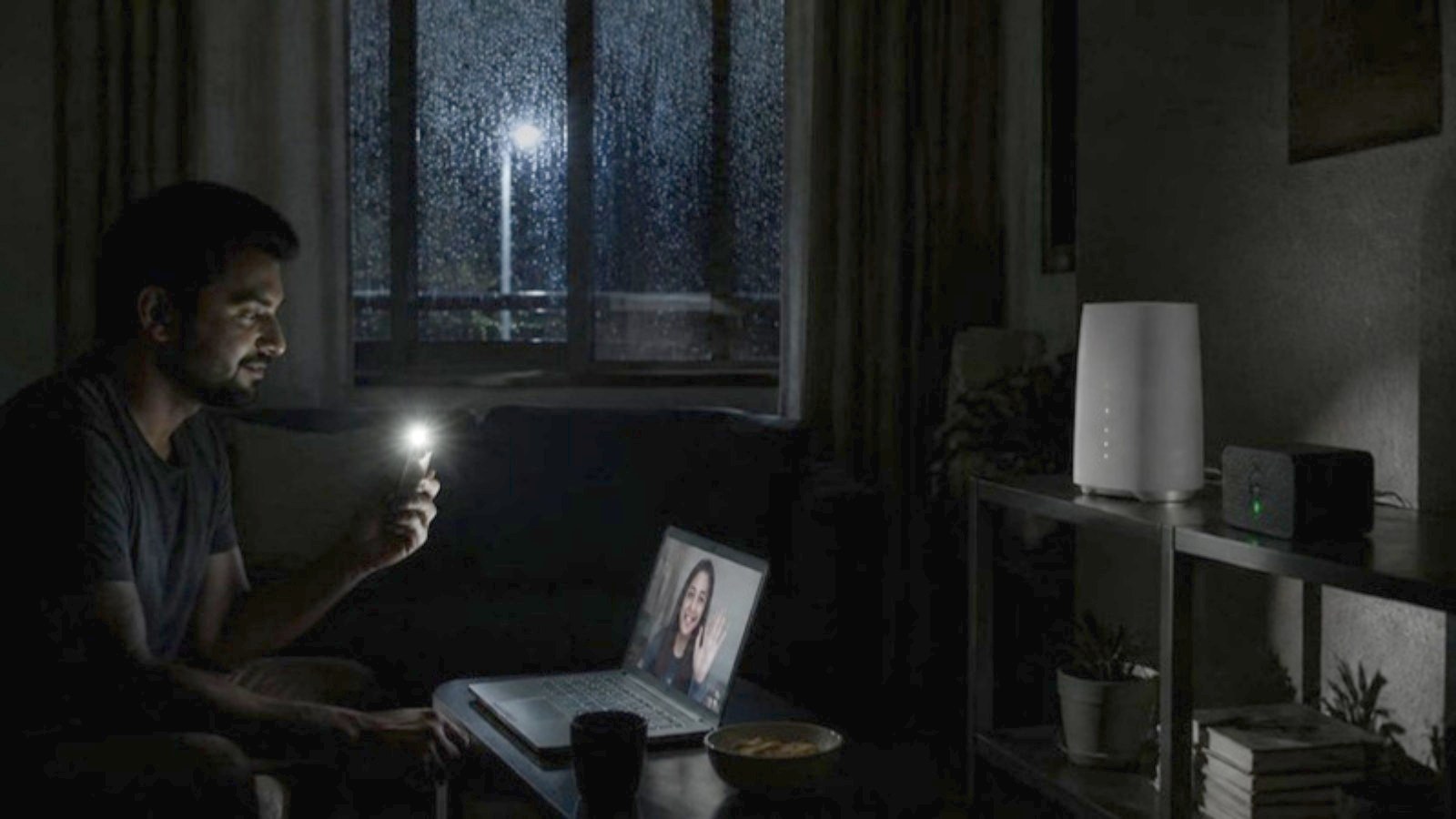
Your modem-router needs mains power, and so does the NBN connection box on FTTP, FTTC and HFC connections. When the power goes out at your place, your Wi-Fi goes with it.
A small DC mini UPS plugs in between your modem-router’s power adapter and the router itself. The APC Back-UPS Connect below is rated for up to 4 hours with an average router; actual runtime depends on your equipment. Check that your router uses a 12V DC plug pack first. On FTTP, the NBN connection box needs its own backup power too.
Keeping your equipment powered doesn’t guarantee your internet stays up. NBN says that on FTTN, FTTB, FTTC and HFC connections, the service fails if power is lost anywhere in the network, and backup power at home won’t help then. Keep a charged mobile phone handy.
Option 4: Portable Power Stations for Longer Outages
A portable power station is a big rechargeable battery with USB and, on larger models, AC outlets. It won’t switch over automatically like a UPS, and how long it lasts depends on its capacity (in watt-hours) and what you plug in. A small unit like the 99Wh Jackery Explorer 100 Plus suits topping up phones and a laptop; bigger units with AC outlets can run more, for longer. It doubles as camping power.
Best for: areas that lose power for hours after storms, people who work from laptops, and anyone who wants to stay contactable during a blackout.
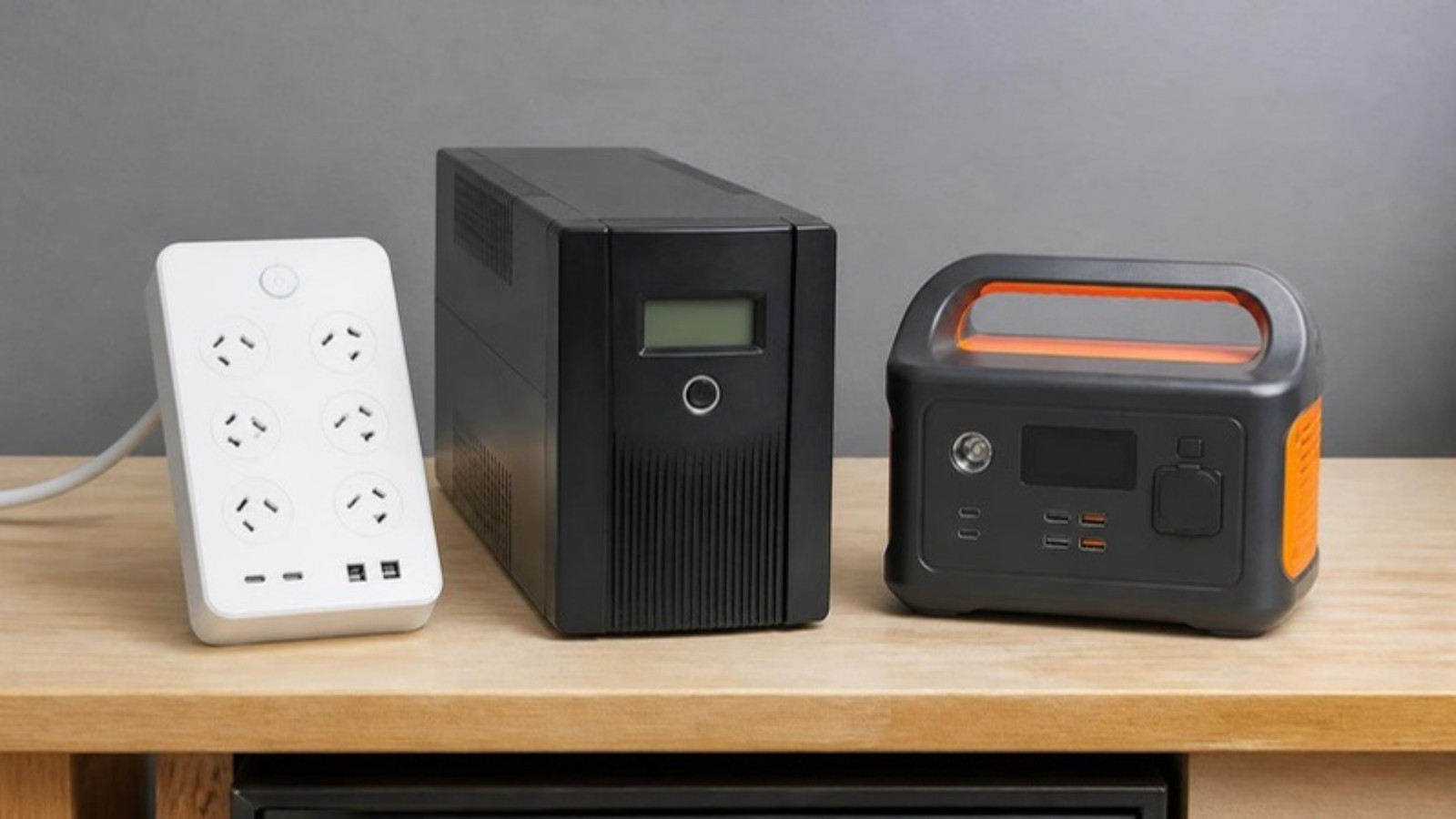
Surge Protector vs UPS vs Power Station at a Glance
| Surge protector | UPS | Portable power station | |
|---|---|---|---|
| Typical cost | $ | $$ | $$ to $$$ |
| Surge protection | Yes | Many models (check specs) | Not its main job |
| Keeps running in a blackout | No | Yes, for minutes | Yes, depending on capacity and load (not automatic) |
| Corrects voltage dips | No | Yes, within its range (AVR models) | No |
| Best for | Every desk and TV | Desktop PCs, NAS, home office | Long outages, phones, laptops, camping |
Which Should You Buy? Options From Our Range
Prices are correct at the time of writing (20 October 2026).
| Best for | Product | Spec highlights | Price |
|---|---|---|---|
| Laptop or phone charger at the desk | Belkin SurgePro 1-Outlet | 1,800 joules, $30,000 Connected Equipment Warranty | $31.86 |
| Budget desk setup | Belkin SurgePlus 6-Outlet | 650 joules, 6 outlets plus 2 USB, $30,000 CEW | $46.44 |
| Most home offices | Belkin SurgePro 6-Outlet | 650 joules, 2 x 30W USB-C, $50,000 CEW, wall-mountable | $68.21 |
| Bigger desks and TV cabinets | Belkin SurgePro 8-Outlet | 900 joules, 8 outlets plus 2 USB-C, $70,000 CEW | $75.19 |
| Highest surge rating | PowerShield ZapGuard 8-Way | 2,100 joules, 8 outlets plus 2 USB, $60,000 CEW | $56.44 |
| Keep your router online | APC Back-UPS Connect | 12V DC lithium-ion mini UPS, up to 4 hours for an average router | $91.67 |
| Home PC on a budget | PowerShield SafeGuard 750VA | 450W, AVR, 6 Australian sockets, modem/LAN surge port | $163.18 |
| Everyday home PC | APC Back-UPS 750VA | 410W, AVR, 3 Australian outlets, about 8.5 minutes at half load | $164.35 |
| PC, monitor and modem | APC Back-UPS 1200VA | 650W, AVR, 4 Australian outlets | $243.62 |
| Gaming PCs | APC Back-UPS Pro Gaming 2200VA (Arctic white) | 1320W, pure sine wave, 6 Australian outlets, RGB lighting | $742.85 |
| Topping up phones and a laptop | Jackery Explorer 100 Plus | 99Wh LiFePO4 battery, 128W, 2 x 100W USB-C plus USB-A, 965g | $205.79 |
| Bigger backup for long outages | Jackery Explorer 1000 Pro | Large portable power station for computers and small appliances | $1,378.64 |
A note on outlets: the UPS models above have Australian power outlets, so you can plug your existing gear straight in. Some business and rack-mount models use IEC (kettle-style) outlets instead, so check before you buy.
Storm Season Checklist
- Plug every computer, TV and modem into a surge protector, not straight into the wall or a basic powerboard.
- Unplug sensitive gear when a storm is overhead. No surge protector can stop a direct lightning strike. Unplugging is the safest option, and Energex recommends it, including disconnecting the TV aerial.
- Back up your files. Use an external drive or cloud backup. A dead PC is replaceable; years of photos aren’t.
- Save often and shut down properly when storms are forecast, especially in the middle of updates.
- Charge your phone, laptop and power bank before the storm hits.
- Test your UPS every few months, and replace the battery when it no longer holds up. Lead-acid UPS batteries typically last around 3 to 5 years.
- Think about whole-home protection. A licensed electrician can fit surge protection at your switchboard, which covers appliances that a powerboard can’t.
The Honest Verdict
Everyone: a decent surge protector on every desk and TV is a cheap way to reduce the risk. The Belkin SurgePro 6-outlet is our pick for most home offices.
Desktop PC or home office: add a UPS. The APC Back-UPS 1200VA covers a PC, monitor and modem with room to spare.
Gaming or high-end PC: consider a pure sine wave model like the APC Back-UPS Pro Gaming, and check your PC maker’s guidance on UPS compatibility.
Work from home and need the internet: the APC Back-UPS Connect can keep a compatible 12V router powered through short blackouts at your place for under $100.
Long blackouts in your area: a portable power station helps keep phones and laptops charged. Size it to what you need to run.
Conclusion
Storm season in south-east Queensland is a matter of when, not if. A surge protector for every device, a UPS for the computers that matter, and good backups can save you a lot of money and stress. And when a storm is right overhead, unplug.
Browse our surge protectors, UPS systems and power protection range online, with Australian stock and same-day shipping on eligible orders. If a storm has already taken out your computer, our Bongaree workshop can diagnose and repair it. Not sure what you need? Get in touch and we’ll help you choose.