


PC Power Supply: How Many Watts Do You Actually Need?
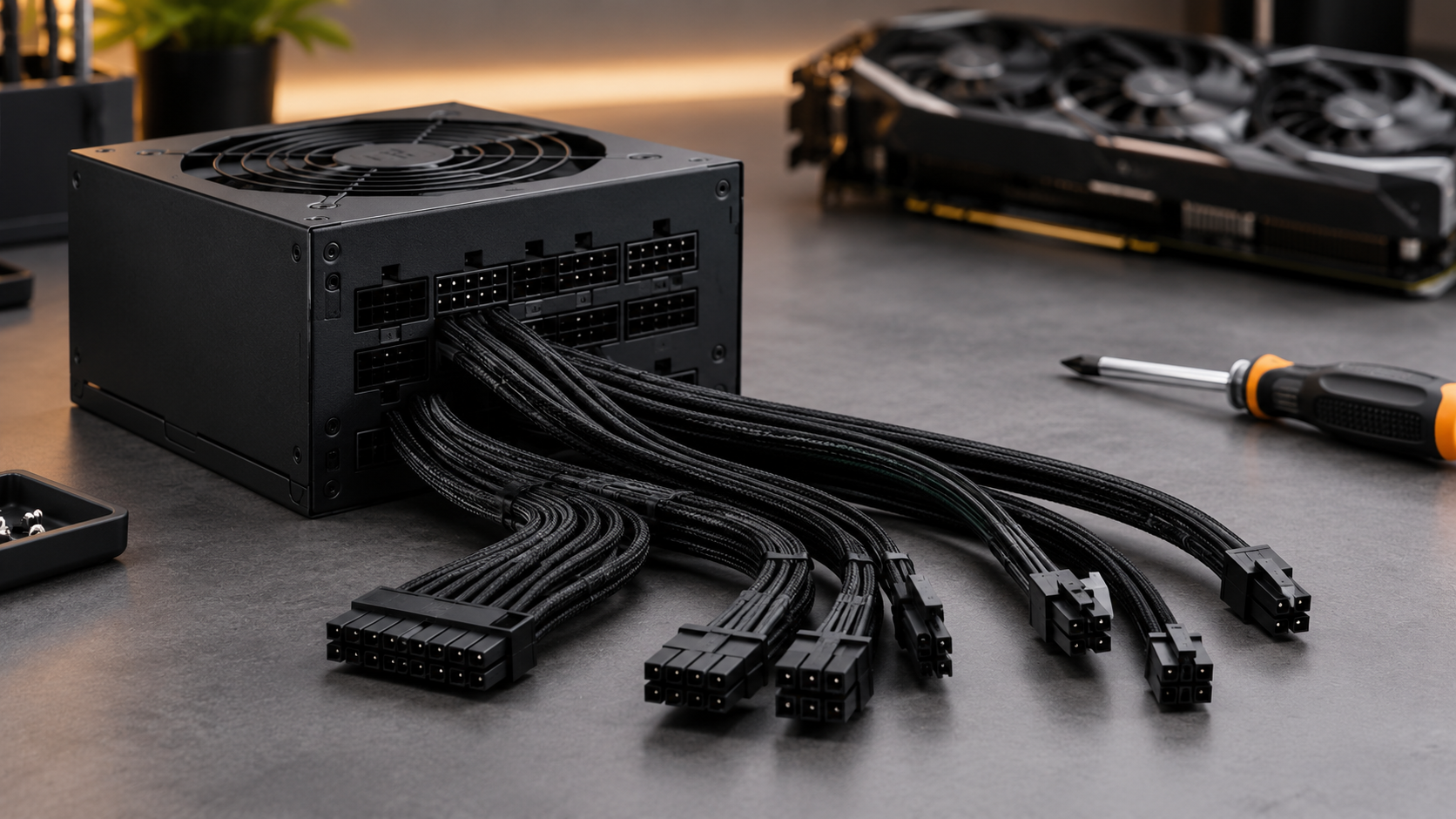
The power supply is the least exciting part of a PC build, and the easiest one to get wrong. Scroll through a product page and you’ll see 550W, 850W, 1200W, Bronze, Gold, Platinum, modular, ATX 3.1. It’s hard to know which of those matter and which are marketing.
Here’s the good news: choosing a PC power supply is far simpler than it looks. Work out roughly how much power your parts draw, pick an efficiency rating that suits your budget, and buy from a brand that stands behind its warranty.
In this post we break it down in plain language. You’ll learn how to work out the wattage you need, what 80 Plus ratings mean, whether modular cables are worth the money, and what the new ATX 3.1 standard means for your graphics card. We’ll also show you real options from our range, with Australian pricing.
Why Your PC Power Supply Matters More Than You Think
Your PSU converts the 230V AC from your wall into the low-voltage DC power every component runs on. Everything in your PC depends on it, including your CPU, graphics card, drives and motherboard.
A poor-quality unit can cause random crashes, coil whine and shutdowns under load. In the worst case, a failing PSU can take other components with it. That’s why it’s a bad place to save a few dollars on a gaming or work machine.
The good news is that a decent PSU is a long-term purchase. The best ones carry 10-year warranties and will happily move from one build to the next.
How Many Watts Do You Actually Need?
Wattage is the maximum power the PSU can deliver. More watts doesn’t mean a faster PC, and it doesn’t mean the PSU uses more power. Your PC only draws what it needs. A bigger PSU just gives you headroom.
A simple way to work it out:
- Find the maximum power draw of your CPU and graphics card (check the manufacturers’ spec pages).
- Add about 75–100W for the motherboard, RAM, drives and fans.
- Multiply the total by 1.3 to leave 30% headroom.
Example: 125W CPU + 200W GPU + 75W for everything else = 400W. Times 1.3 is about 520W, so a 550W or 650W unit is a comfortable fit.
| Build type | Typical PSU size |
|---|---|
| Office or home PC, integrated graphics | 450–600W |
| Mid-range gaming PC | 650–750W |
| High-end gaming or creator PC | 850W |
| Flagship graphics card or heavy workstation | 1000–1200W |
Always check your graphics card‘s recommended PSU wattage. The manufacturer’s figure is the one to trust, and it’s often higher than people expect.
Why headroom matters: PSUs run most efficiently, coolest and quietest at around half load. A 500W load on a 550W unit means the PSU is working flat out and the fan will be noisy. The same load on an 850W unit is easy work.
80 Plus Ratings Explained: Bronze vs Gold vs Platinum
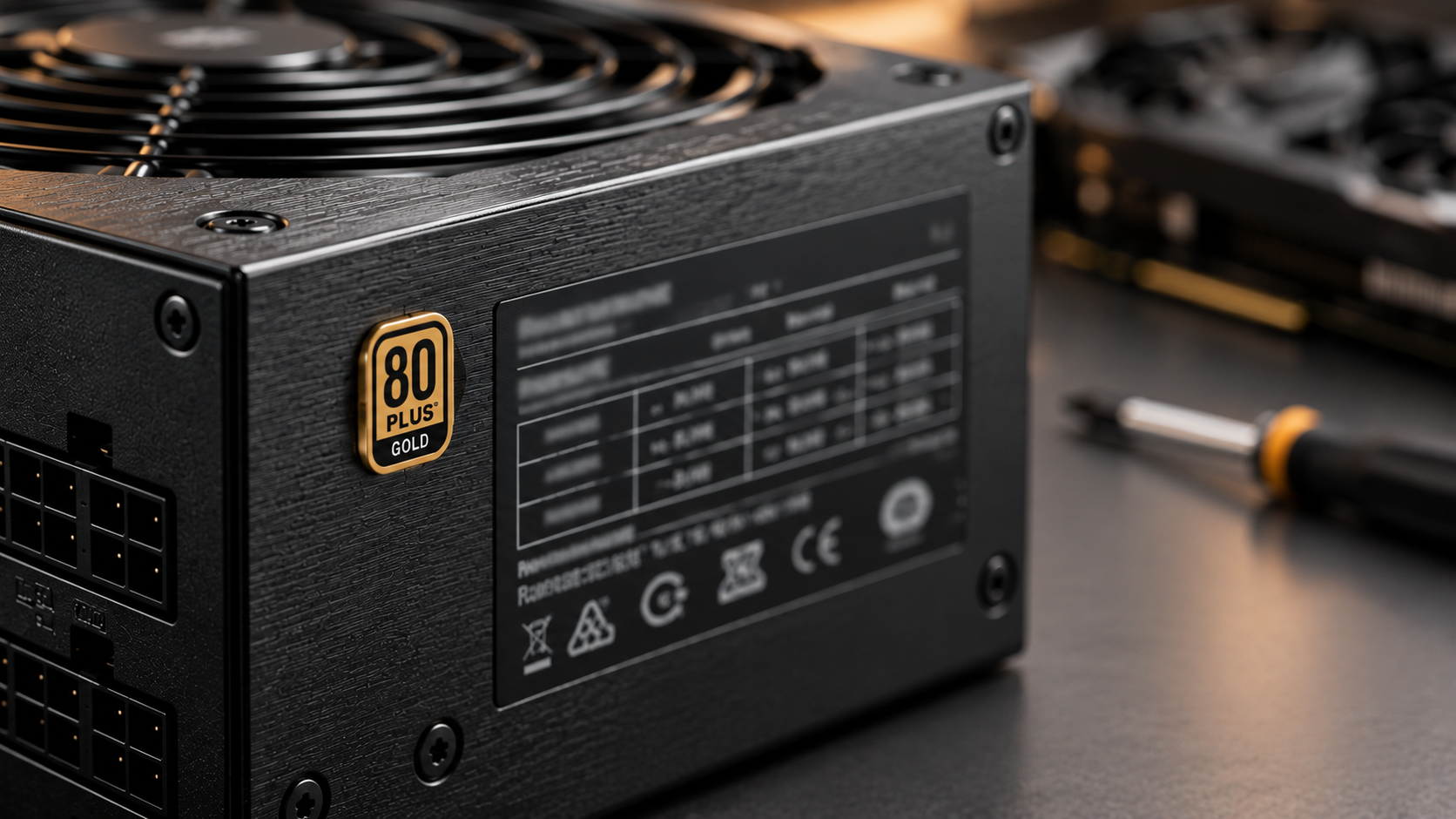
The 80 Plus rating tells you how efficiently a PSU turns wall power into usable power. A more efficient unit wastes less energy as heat, which usually means a cooler and quieter PC.
| Rating | Approx. efficiency at typical load | What it means |
|---|---|---|
| 80 Plus Bronze | ~85% | Solid value for everyday and budget builds |
| 80 Plus Gold | ~90% | The sweet spot for most gaming and work PCs |
| 80 Plus Platinum | ~92% | Premium efficiency, usually with top-tier components |
Figures are approximate and vary with load and input voltage.
Is Platinum worth it? Mostly for build quality and warranty rather than power savings. As a rough example, a PC drawing 500W at the components would pull about 590W from the wall on a Bronze unit and about 555W on a Gold one. That 35W gap, running four hours a day, adds up to a modest saving per year at typical Australian electricity rates. It’s real, but it’s not the reason to pay for Platinum.
For most people, 80 Plus Gold is the right call.
Modular vs Non-Modular: Do You Need Removable Cables?
- Non-modular: every cable is permanently attached. It’s the cheapest option, but unused cables have to be tucked away somewhere.
- Semi-modular: the main motherboard cable is fixed, and the rest are removable.
- Fully modular: every cable is removable, so you only plug in what you use.
Fully modular units make building easier, keep the case tidier and improve airflow. They’re especially useful in compact cases and in builds with a glass side panel.
If you’re on a tight budget, a non-modular unit performs the same electrically. You’re paying for convenience and looks, not power quality.
One important rule: never reuse modular cables from a different PSU. The connectors on the PSU end can look identical while being wired differently, and mixing them can damage your parts. Only use the cables supplied with your unit, or cables made specifically for it.
ATX 3.1 and 12V-2×6: What Modern Graphics Cards Need
If you’re buying a current high-end graphics card, you’ll see two terms on newer PSUs.
ATX 3.1 is the current PSU standard. It’s designed to handle the brief power spikes modern graphics cards produce, which older units can struggle with.
12V-2×6 is the newer high-power connector (the successor to 12VHPWR) that many recent graphics cards use. A PSU with a native 12V-2×6 cable means you don’t need an adapter.
What this means for you:
- If your graphics card uses a 12V-2×6 connector, choose an ATX 3.1 PSU with a native cable.
- Push the connector in fully and check that it’s seated. A loose high-power connector is a real risk.
- If your graphics card uses ordinary 6-pin or 8-pin PCIe power, you don’t need to pay extra for ATX 3.1 features, though they’re a nice future-proofing bonus.
Which PSU Should You Buy? Options From Our Range
Here are some picks from our power supply range, grouped by what you’re building. Prices are correct at the time of writing.
| Best for | Power supply | Spec highlights | Warranty | Price |
|---|---|---|---|---|
| Basic office PC | Aywun 600W | 120mm fan, 1x 6-pin PCIe | 2 years | $66.40 |
| Office PC with more headroom | Aywun 700W | 120mm fan, 1x 6-pin PCIe | 2 years | $81.74 |
| Budget build with a quality brand | Antec CSK550DC | 550W, 80 Plus Bronze, flat cables | 5 years | $80.55 |
| Gaming on a budget | Antec GSK850 Lite | 850W, 80 Plus Gold, non-modular, ATX 3.1 | 5 years | $116.21 |
| Clean white build | Antec GSK850 V2 WH | 850W, 80 Plus Gold, fully modular, ATX 3.1 | 7 years | $170.31 |
| Premium efficiency, long warranty | Antec NE850P | 850W, 80 Plus Platinum, fully modular, 12V-2×6 | 10 years | $182.08 |
| Powerful gaming or workstation | Antec NE1000P | 1000W, 80 Plus Platinum, fully modular | 10 years | $215.04 |
| Flagship graphics card | Antec GSK1200 | 1200W, 80 Plus Gold, fully modular, ATX 3.1 | 10 years | $215.04 |
| Small form factor build | Antec SFX 850W | 850W, 80 Plus Gold, fully modular, compact SFX size | 7 years | $246.83 |
A note on the Aywun units: with a single 6-pin PCIe connector, they suit office PCs and low-power graphics cards. They’re not the right choice for a modern gaming card.
Warranty is a useful quality signal. A manufacturer that offers 10 years is confident in the build. Two years is fine for a basic office machine, but you’ll want longer for a PC that runs hard.
Practical Tips Before You Buy
Check the size. Most cases take a standard ATX power supply, but compact builds may need SFX. Check your case‘s specs before you order.
Count your connectors. Make sure the PSU has enough PCIe and CPU power connectors for your graphics card and motherboard. This matters most on budget non-modular units.
Don’t buy on wattage alone. A 1000W unit from an unknown brand isn’t better than a quality 750W unit. Warranty, efficiency rating and brand reputation tell you far more.
Buy from an Australian retailer. Local stock means faster shipping, and if something goes wrong you’re dealing with a warranty process you can actually reach. Australian Consumer Law guarantees also apply.
Replace, don’t reuse, when upgrading a GPU. An older PSU might not have the connectors or spike tolerance your new graphics card needs.
Set aside a little extra for the PSU. It’s the one component that protects all the others.
The Honest Verdict: Which PSU Should You Buy?
For office and everyday PCs: a 550–650W unit with a decent warranty is all you need. Don’t overspend.
For most gaming PCs: an 850W 80 Plus Gold unit is the sweet spot. It has room for a powerful graphics card, runs quietly at typical loads and won’t need replacing when you upgrade. Go fully modular if you care about a clean build.
For high-end builds: choose 1000W or more, ATX 3.1 and a native 12V-2×6 cable, and look for the 10-year warranty.
For small cases: an SFX unit is the only option that will fit. Check dimensions first.
When in doubt: buy the best warranty and efficiency you can afford, and size it about 30% above your PC’s maximum draw.
Conclusion
Choosing a power supply doesn’t have to be stressful. Work out your PC’s real power needs, aim for 80 Plus Gold, and pick a brand with a warranty that matches the price. That combination will keep your PC stable, quiet and ready for whatever upgrade comes next.
Ready to pick one? Browse our full power supply range online, with Australian stock and same-day shipping on eligible orders. If you’re not sure which one suits your build, get in touch and we’ll help you choose.